
If you want to improve your routine, weekly planning can help you make better decisions before your schedule gets crowded.
A good weekly plan does not mean filling every hour, because the real goal is to create clarity, reduce stress, and make room for what matters most.
When you plan your week more efficiently, you spend less time reacting to problems and more time moving through your tasks with intention. This guide explains what works, what to avoid, and which apps can make the process easier to maintain.
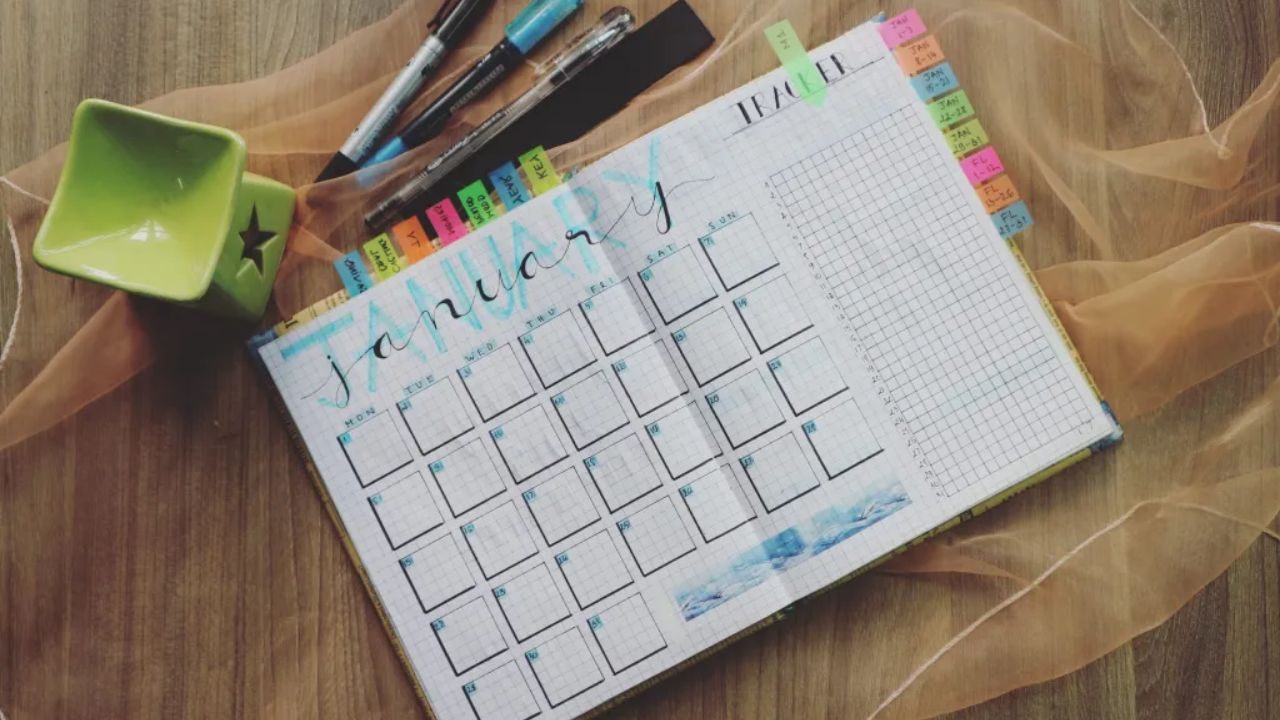
What Weekly Planning Really Does For Your Time And Stress
Weekly planning is not just a productivity habit for highly organized people. It is a practical way to improve time and stress management by reducing the mental load of starting from zero every morning and deciding everything on the spot.
Public health and psychology guidance on stress management consistently recommends prioritizing tasks, organizing your time, and avoiding the pressure of trying to do everything at once. That is exactly where weekly planning becomes useful in real life.
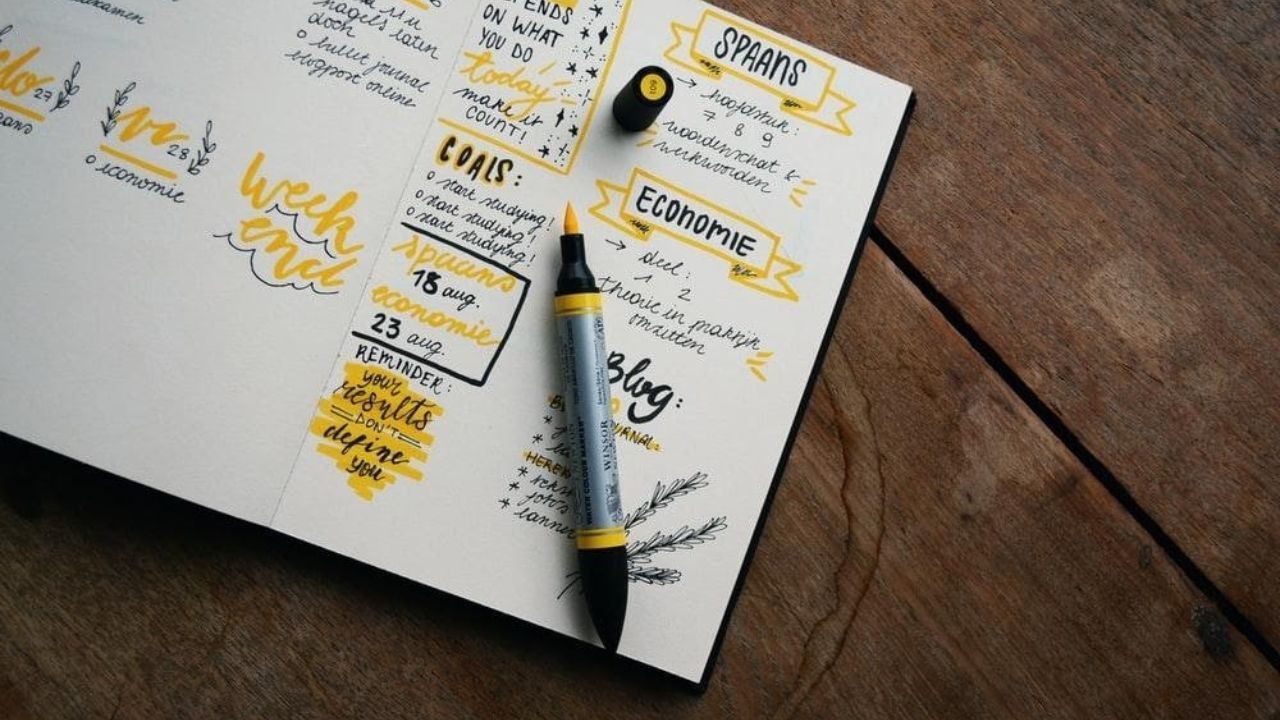
Why Weekly Planning Helps You Feel Less Reactive
Without a weekly plan, many people spend the day switching into response mode and handling whatever feels most urgent.
That pattern can create the illusion of progress while leaving important work unfinished by the end of the week.
Weekly planning helps you feel less reactive by choosing priorities before interruptions begin, which makes your decisions calmer and more deliberate. It also reduces the pressure of constantly asking yourself what to do next.
What A Good Weekly Plan Should Actually Include
A useful weekly plan should include priorities, deadlines, personal responsibilities, and recovery time, not just work tasks. Many plans fail because they only list ideal tasks and ignore errands, meals, admin work, and unexpected delays.
A realistic weekly plan gives your week structure while still leaving enough flexibility to adjust. That balance makes the plan easier to follow and less likely to collapse after one busy day.
The Most Common Weekly Planning Mistakes To Avoid
Most people do not struggle with weekly planning because they are lazy or incapable.
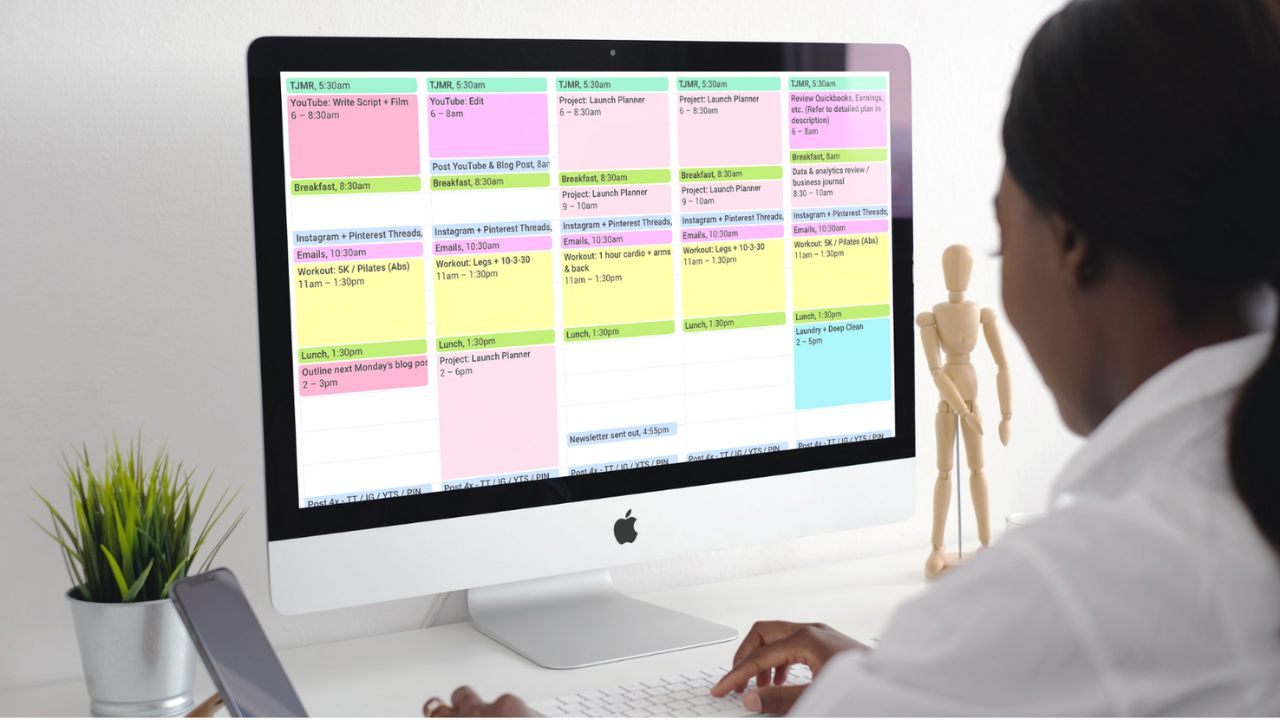
They struggle because the plan is built in a way that looks efficient on paper but does not match how life actually works.
Common planning mistakes include overloading the week, ignoring small time drains, and creating a schedule that depends on everything going perfectly. Fixing these issues can improve your planning more than adding another tool.
Planning Too Many Priorities In One Week
One of the biggest mistakes is treating every task like a top priority. When everything is urgent, your plan becomes crowded, and your attention gets spread too thin to make solid progress.
A more efficient approach is to choose a small number of high-impact priorities instead of carrying too many priorities across the week. This helps you protect time for meaningful work instead of spending the week in catch-up mode.
Ignoring Transitions, Errands, And Small Tasks
Weekly plans often break down because people forget the time required for transitions and small tasks.
Travel time, email replies, household chores, setup time, and routine admin tasks may seem minor, but they can consume large parts of a day.
If those tasks are invisible in your plan, your schedule will feel late even when you are working hard. Efficient planning improves when you account for the small things that shape real days.
How To Plan Your Week More Efficiently: Step-by-Step
The best weekly planning systems are simple enough to repeat and detailed enough to guide your day.
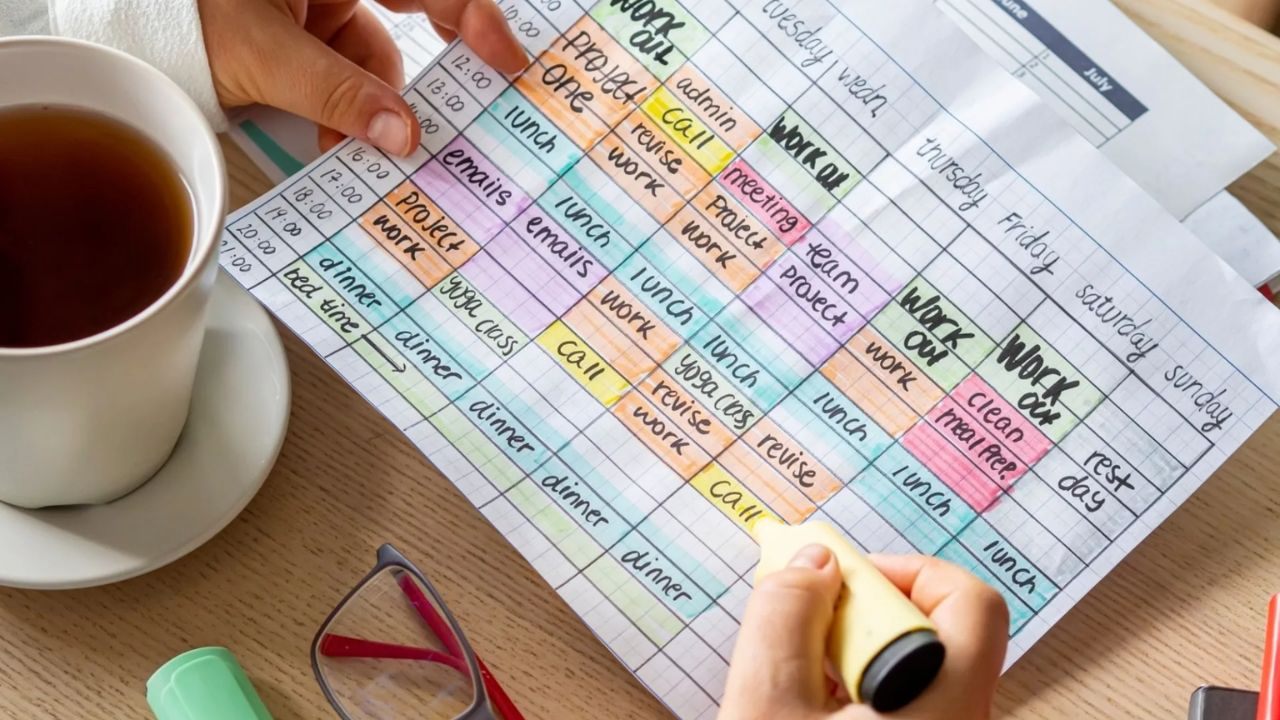
You do not need a perfect method, but you do need a process that helps you decide what matters, when it gets done, and what can wait.
A step-by-step weekly planning routine saves time because you reuse the same thinking process every week. That consistency is what turns planning into a reliable habit.
Review Last Week Before Planning The Next One
Start by reviewing what happened last week before you begin adding new tasks. Check what you completed, what moved forward, what got delayed, and what kept interrupting your schedule.
This short habit from last week helps you plan based on reality rather than guesswork. It also helps you avoid repeating the same overload pattern that made the previous week feel rushed or disorganized.
Set Top Priorities And Time Windows First
After your review, identify the few outcomes that matter most for the coming week and place them into time windows. This is where weekly planning becomes efficient, because you move from vague intentions to scheduled action.
Focus on important tasks first, then build the rest of the week around them. That approach is also aligned with stress management advice that emphasizes prioritizing work instead of trying to do everything at once.
Build A Flexible Daily Structure From The Weekly Plan
Once your priorities are placed, use them to create a flexible daily structure instead of a rigid script. Assign task groups to specific days, but leave room for delays, follow-ups, and unexpected requests.
A flexible plan keeps you organized without forcing you to rewrite everything when one meeting runs long. The goal is to guide the week, not to control every minute of it.
Apps That Make Weekly Planning Easier To Maintain
Apps are most helpful when they support a clear planning process, not when they replace it.
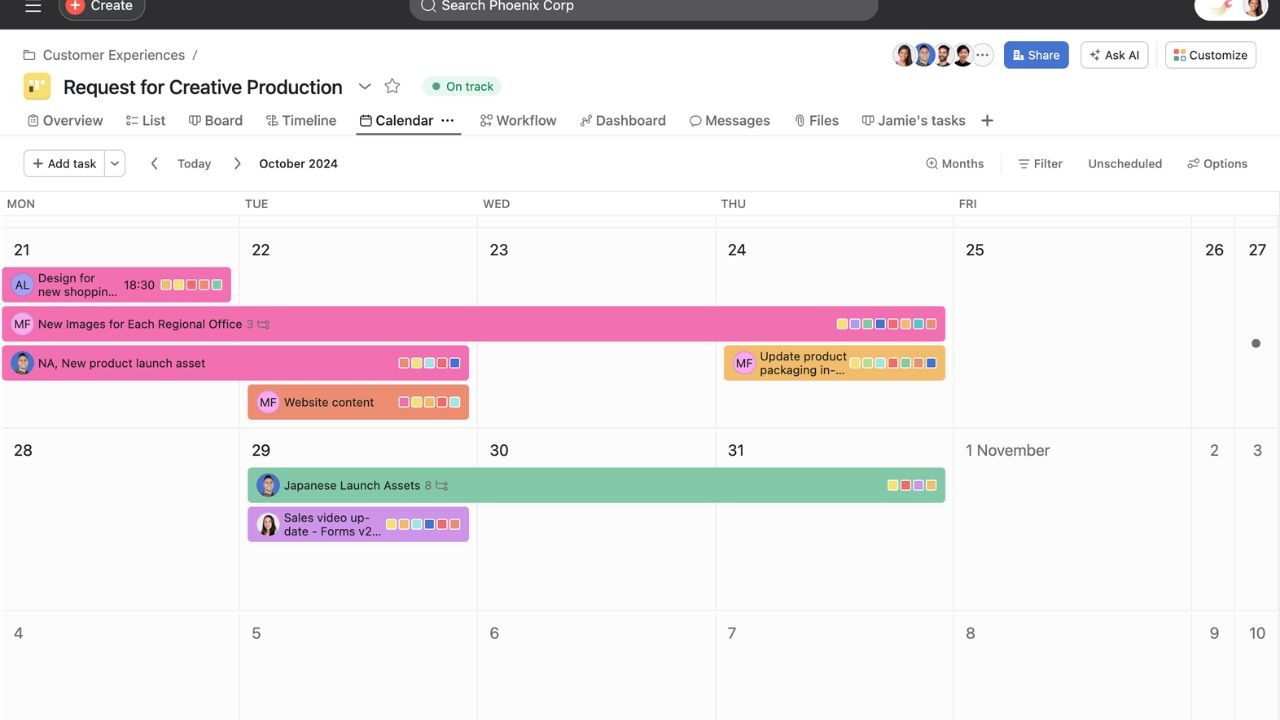
If your weekly planning method is already simple, the right app can make planning easier by helping you organize tasks, view your week, and adjust your schedule without starting over.
The three apps below were chosen because they offer strong planning features and were not used in the previous articles in this thread. Each one fits a different planning style and can help you maintain consistency.
TickTick For All-In-One Weekly Planning
TickTick is a task and calendar app that presents itself as an all-in-one productivity tool with task management, calendar support, and habit features.
Its official features pages also highlight lists, filters, and tags, which are useful when you want to sort tasks by week, category, or priority.
This makes TickTick a strong option for people who prefer to keep weekly planning, daily tasks, and routine habits in one place. It works especially well for personal planning and mixed work-life schedules.
Trello For Visual Weekly Workflows
Trello is a strong choice if you plan better when you can see your week as visual workflows. Trello’s official pages describe its calendar view and board-based organization, which can help you track tasks by stage, deadline, or day of the week.
This format is useful for people who want a weekly overview without reading long task lists. It also works well for household planning, content planning, and recurring weekly routines.
Asana For Structured Weekly Project Planning
Asana is a good fit if your week includes multiple projects, deadlines, or responsibilities that need more structure.
Asana’s feature pages describe views such as list, board, calendar, and timeline, which can help you build structured planning at both the task and project levels.
That flexibility makes it useful for freelancers, small teams, or anyone managing several parallel commitments. If your weekly planning often becomes messy, a more structured app can reduce confusion and improve follow-through.
How To Turn Weekly Planning Into A Long-Term Habit
A weekly planning routine only helps if you can maintain it beyond one motivated Sunday.
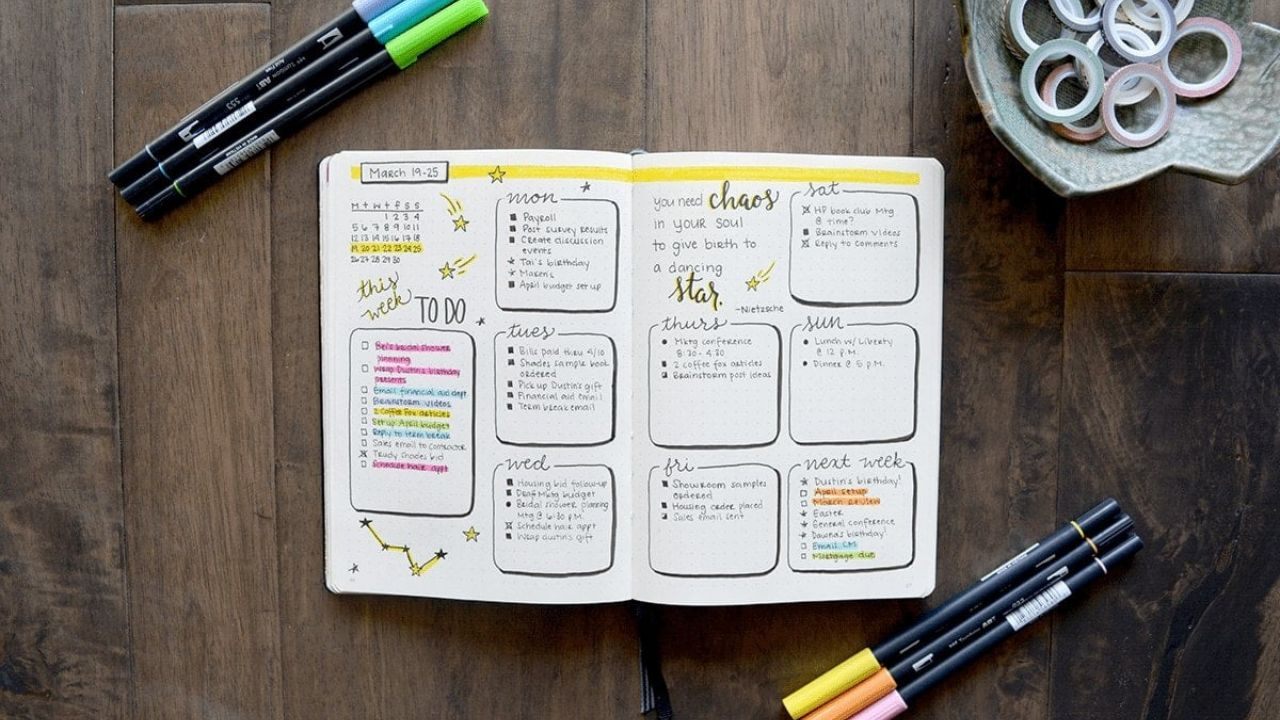
The goal is not to create the perfect planning system, but to build a long-term habit that remains useful during busy weeks, stressful periods, and changing priorities.
Long term consistency usually comes from making the habit easier, shorter, and more realistic. When the routine is practical, you are more likely to keep using it even when life gets crowded.
Keep Your Weekly Planning Session Short And Repeatable
A weekly planning session does not need to take an hour to be effective. In many cases, a focused 20 to 30 minutes is enough to review your week, set priorities, and place major tasks into time windows.
Keeping it short and repeatable makes the session easier to maintain and harder to avoid. A repeatable process is more valuable than a detailed process you only use once in a while.
Use Weekly Reviews To Adjust, Not Judge
Weekly reviews work best when they help you improve the system instead of criticizing yourself for what did not happen.
If a plan fails, the most useful question is not whether you were productive enough, but what made it unrealistic.
This mindset supports an adjust, not judge, thinking, which keeps weekly planning practical and prevents all-or-nothing habits. Over time, small adjustments in timing, task size, and workload can make your weeks noticeably smoother.
How To Stay Consistent During Busy Seasons
Busy seasons are when weekly planning matters most, but they are also when people stop doing it.
The solution is to scale the process down instead of dropping it completely. During high-pressure weeks, focus on fewer priorities, shorter planning sessions, and a simple check-in midweek to reset.
That lighter version still protects your time and helps you stay organized when your schedule is under pressure.
Conclusion
Efficient weekly planning is not about squeezing more tasks into seven days. It is about reducing decision overload, protecting time for what matters, and creating a routine that fits real life.
When you review your week, choose clear priorities, and use tools that match your planning style, your schedule becomes more stable and less reactive. Start with a simple weekly planning session, test it for a few weeks, and refine it until it fits your real life.